Are you a banner painter or custom poster seller?
Never run out of kraft banner mockups again.
BannerKraft turns a client brief into paint-ready poster directions you can refine, project, and trace on kraft paper before you paint.
How it works
From the client's text to your kraft paper.
-
 01
Describe
01
Describe
Describe the client banner.
Wording, size, orientation, and the style notes you already get over text. No template hunt.
-
 02
Explore
02
Explore
Explore directions until one clicks.
Generate as many designs as you like, compare them side by side, then refine the strongest in plain English.
-
 03
Project
03
Project
Trace it on kraft paper.
Open projection mode, square the design to your wall, then move straight into your hand-painted finish.
Made with BannerKraft
Yes, AI generates the design. Your hand brings it to life.
We know AI is a loaded word in this craft. BannerKraft only handles the early mockups — the brushwork, the color, every painted detail still comes from you. Your hand is what makes these real.
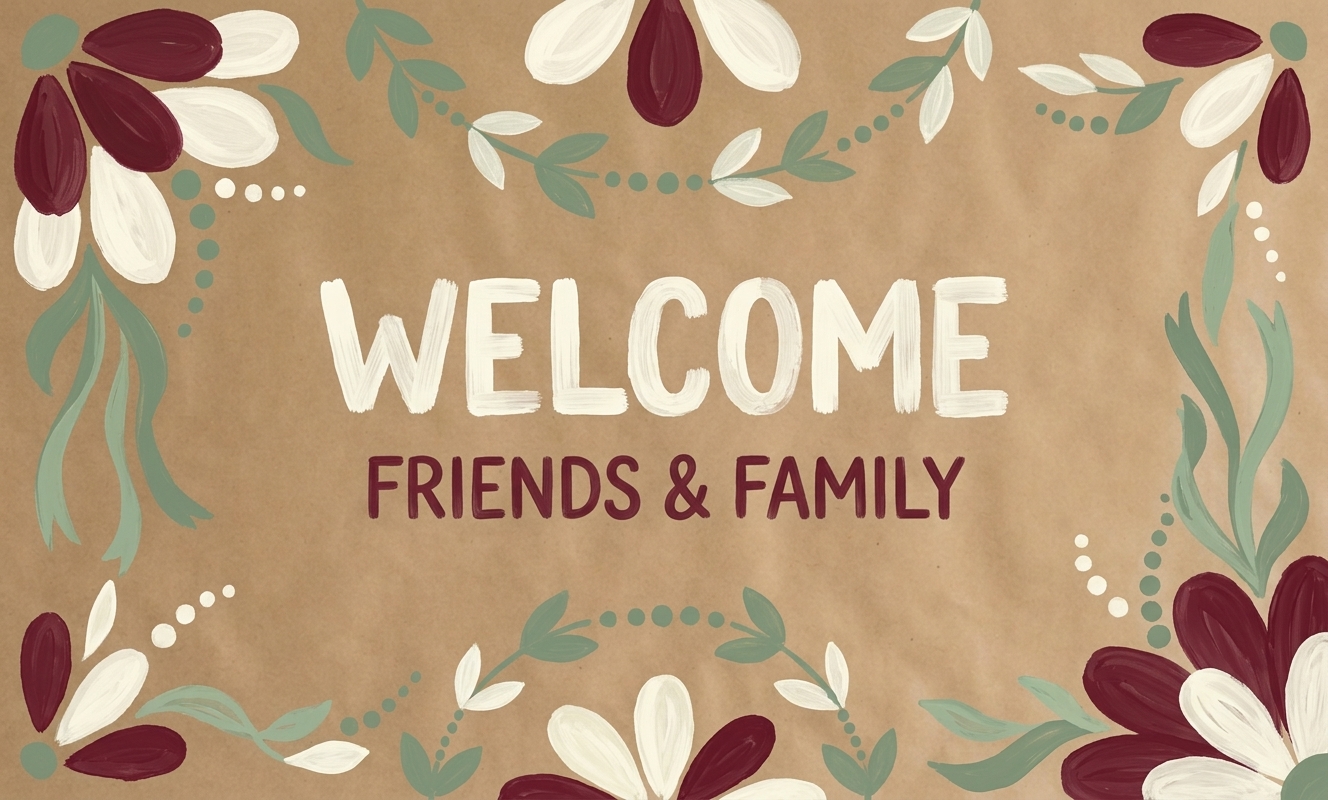
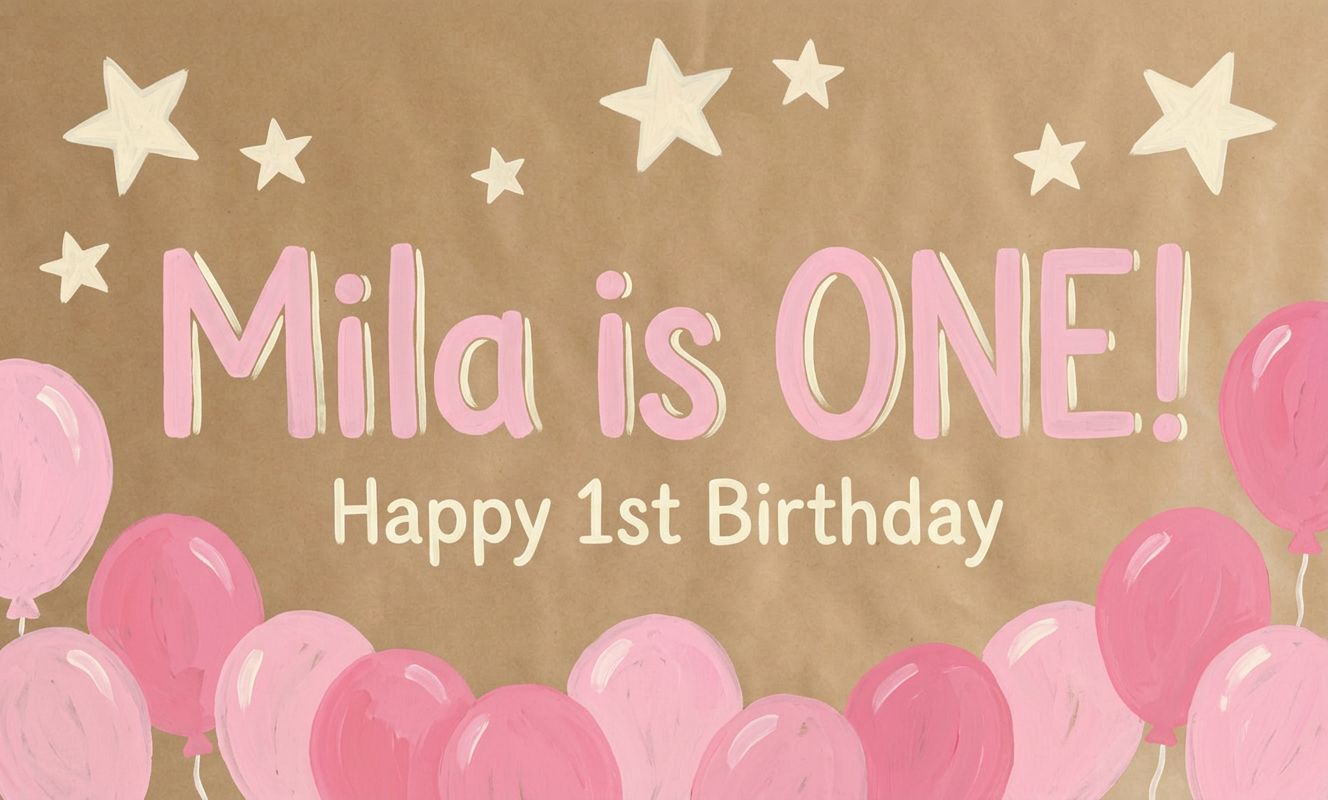
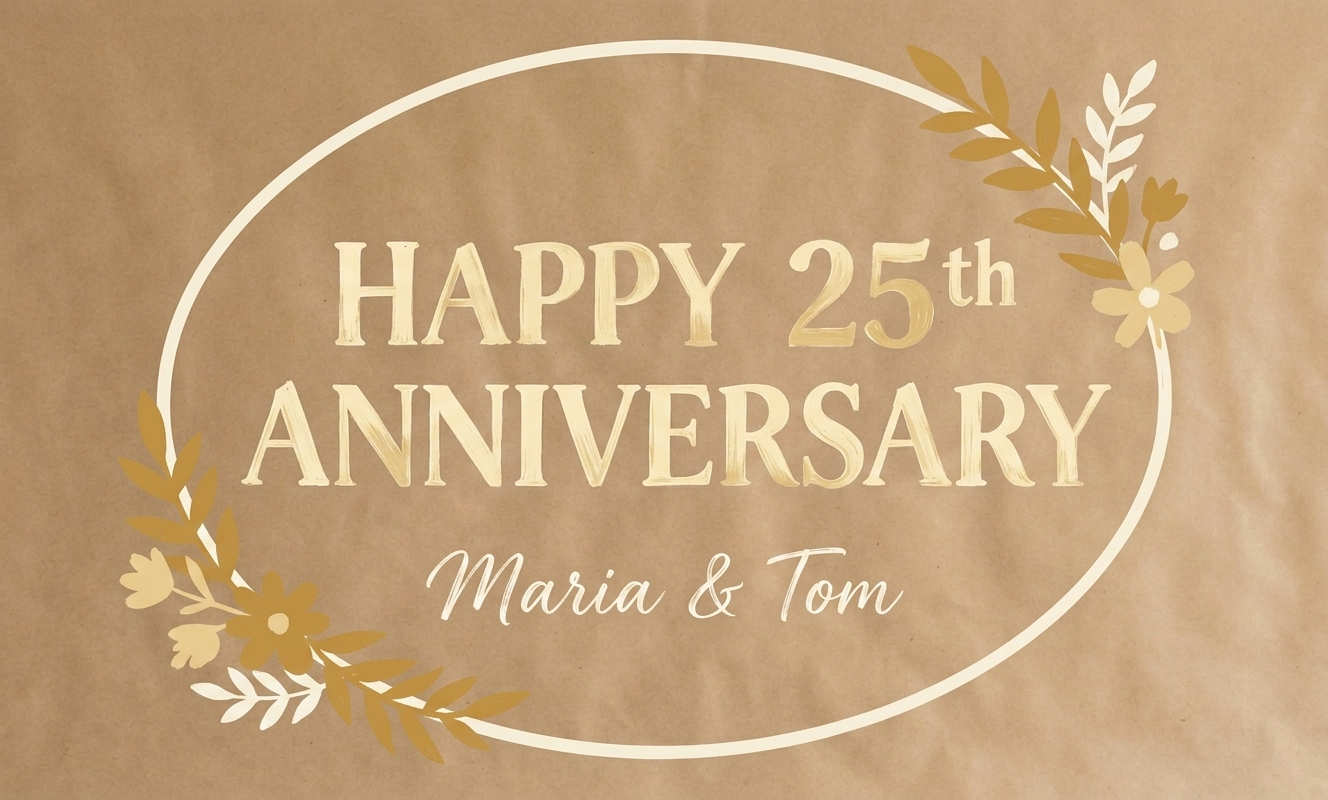
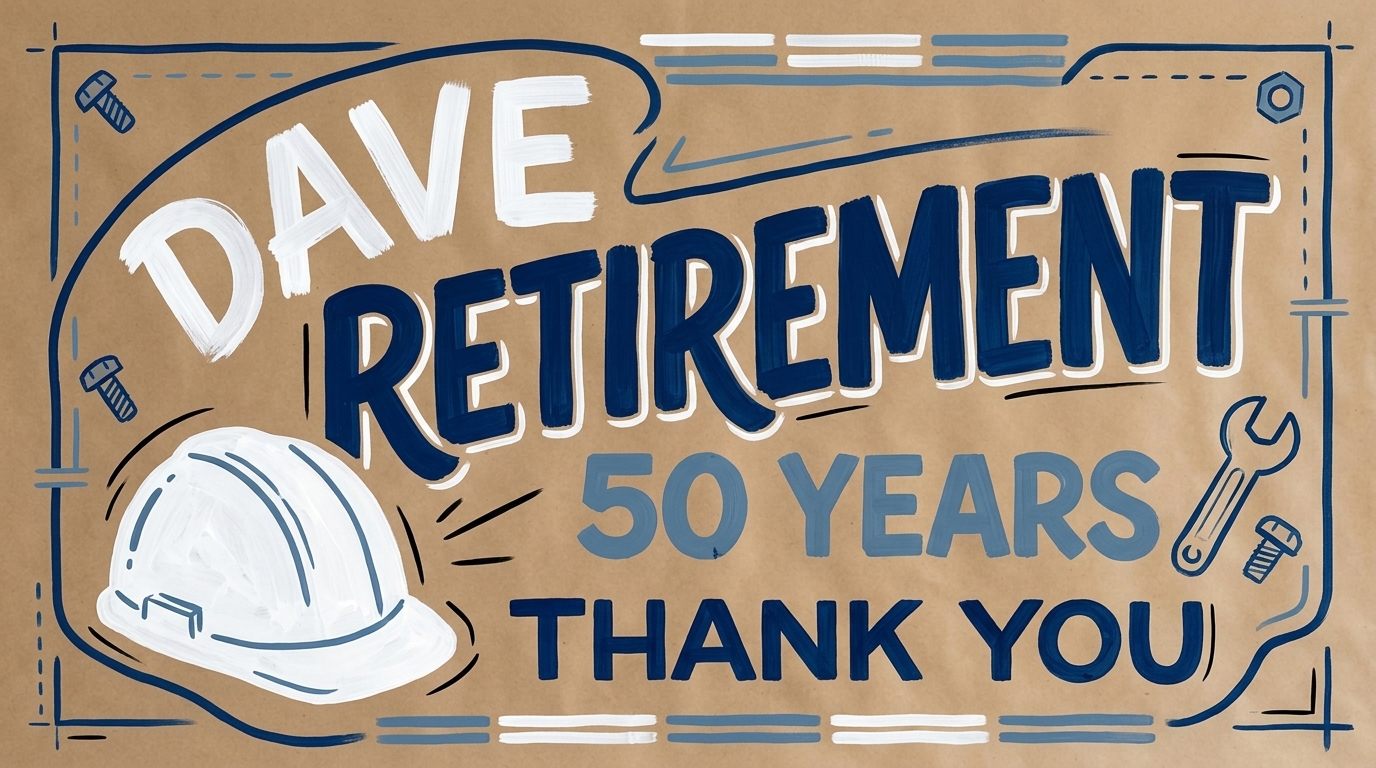
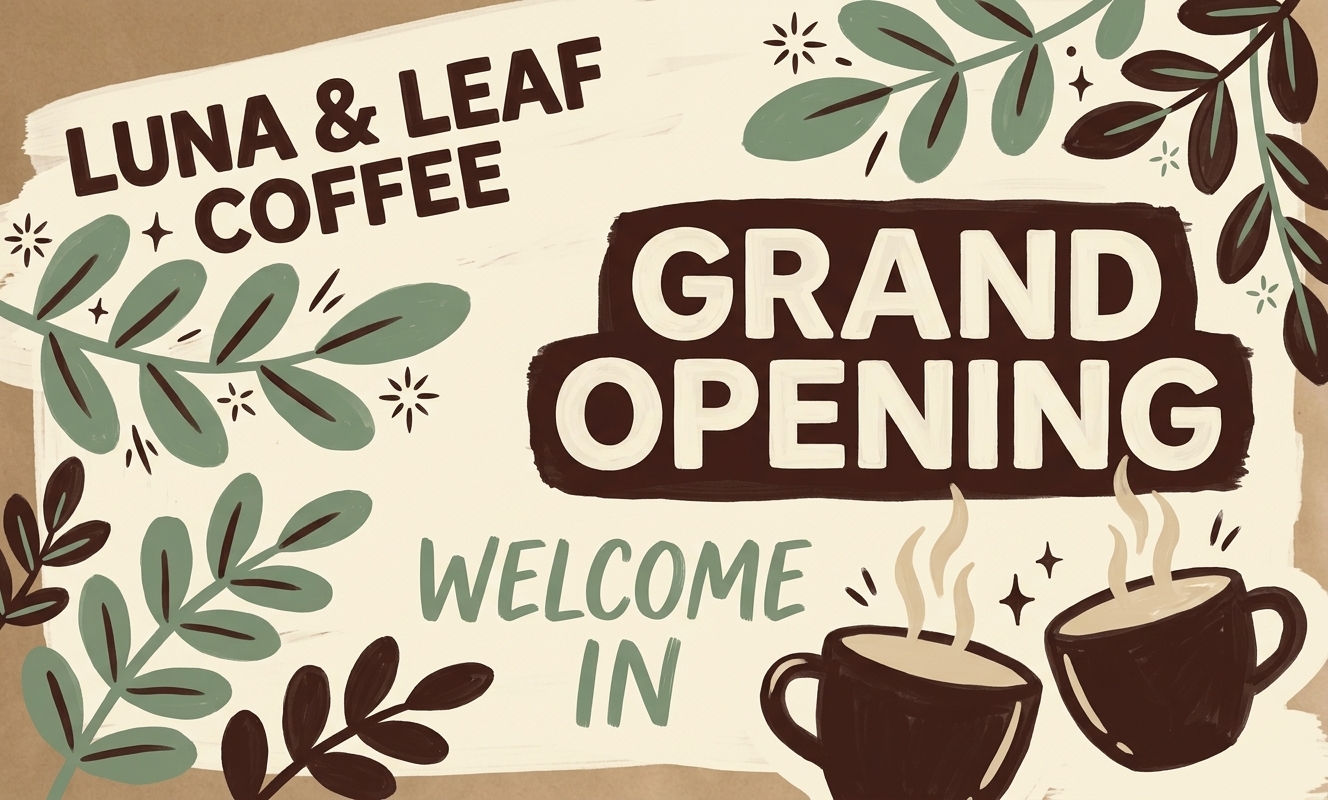
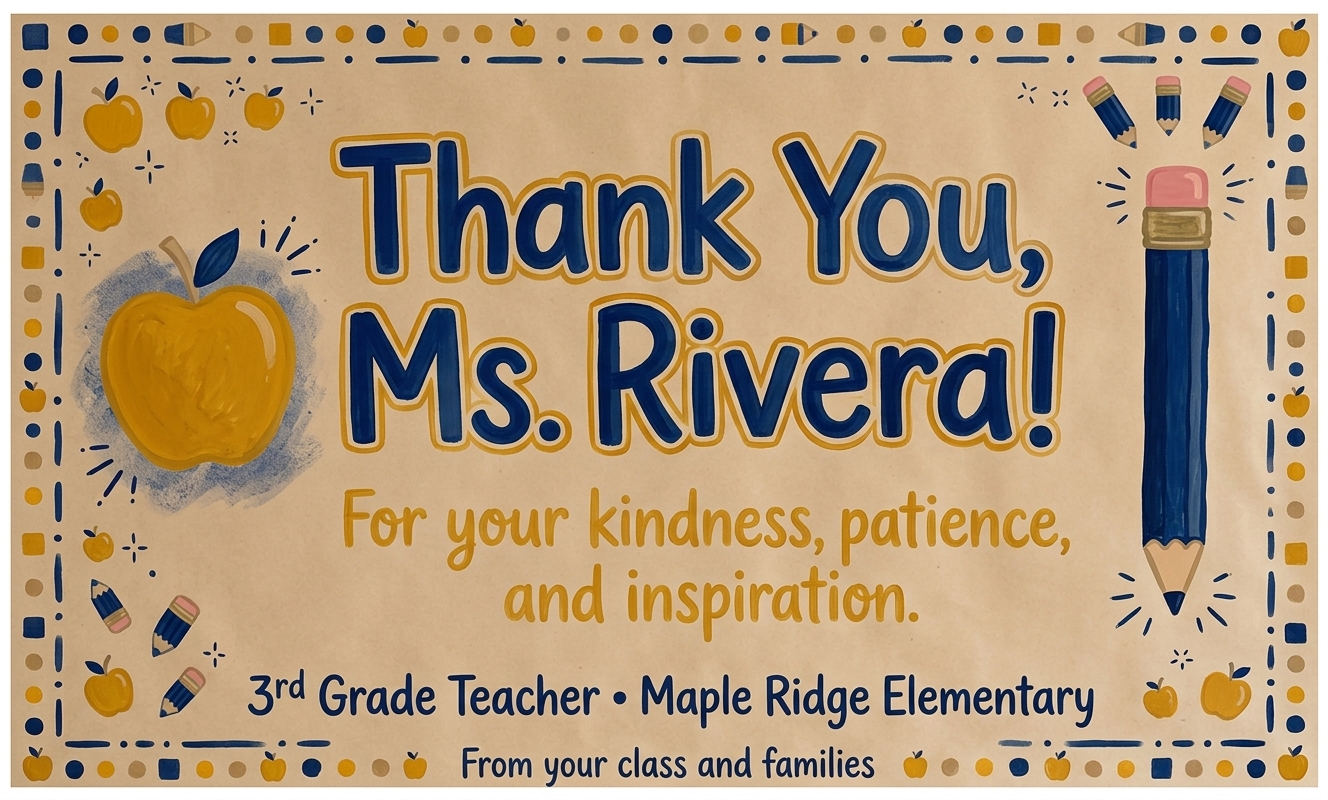
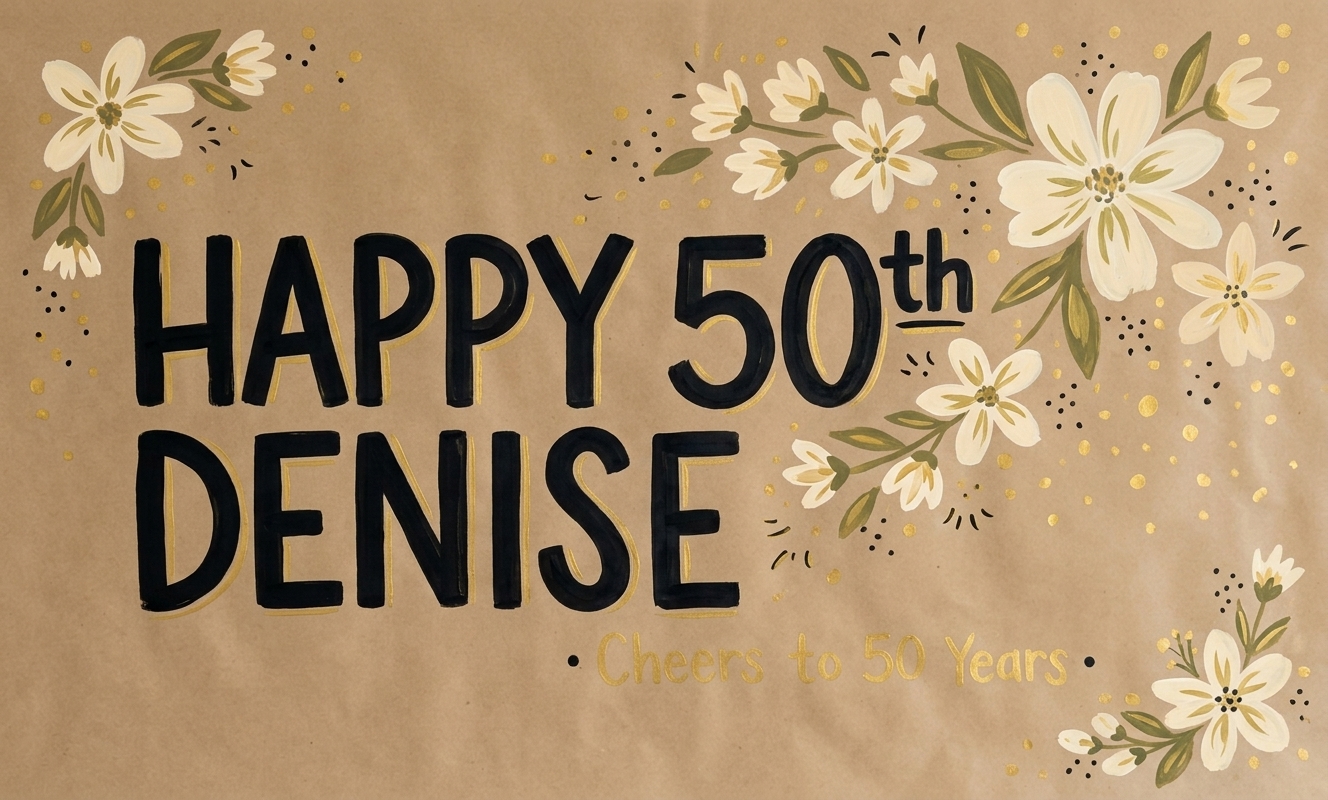
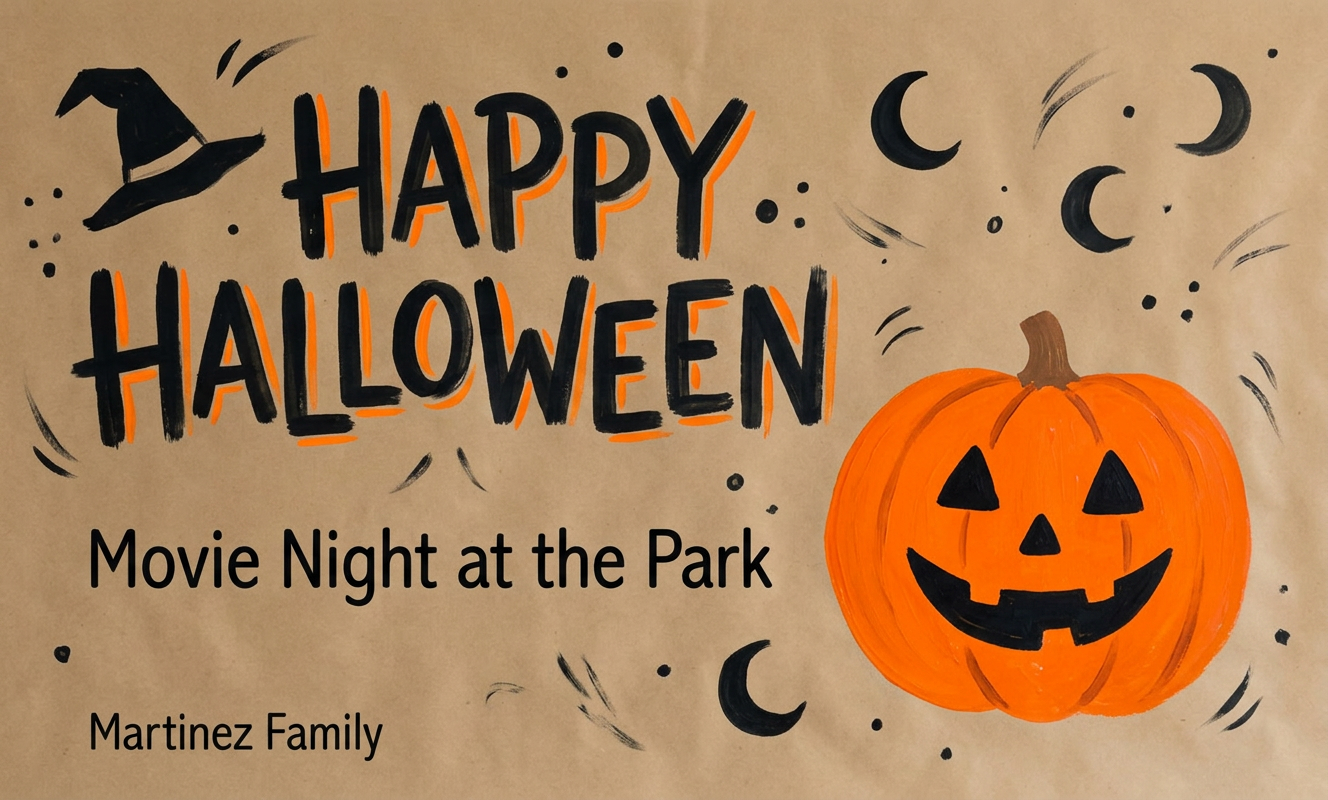
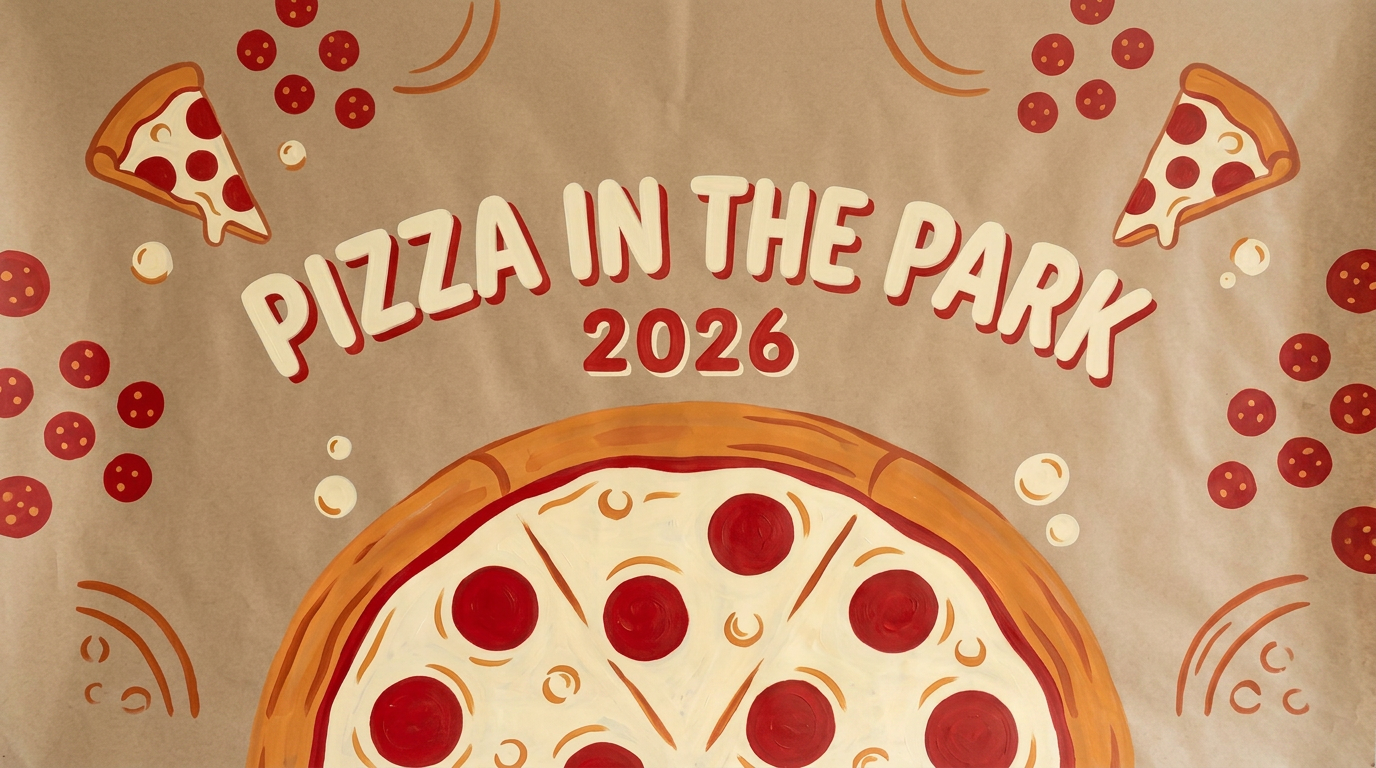
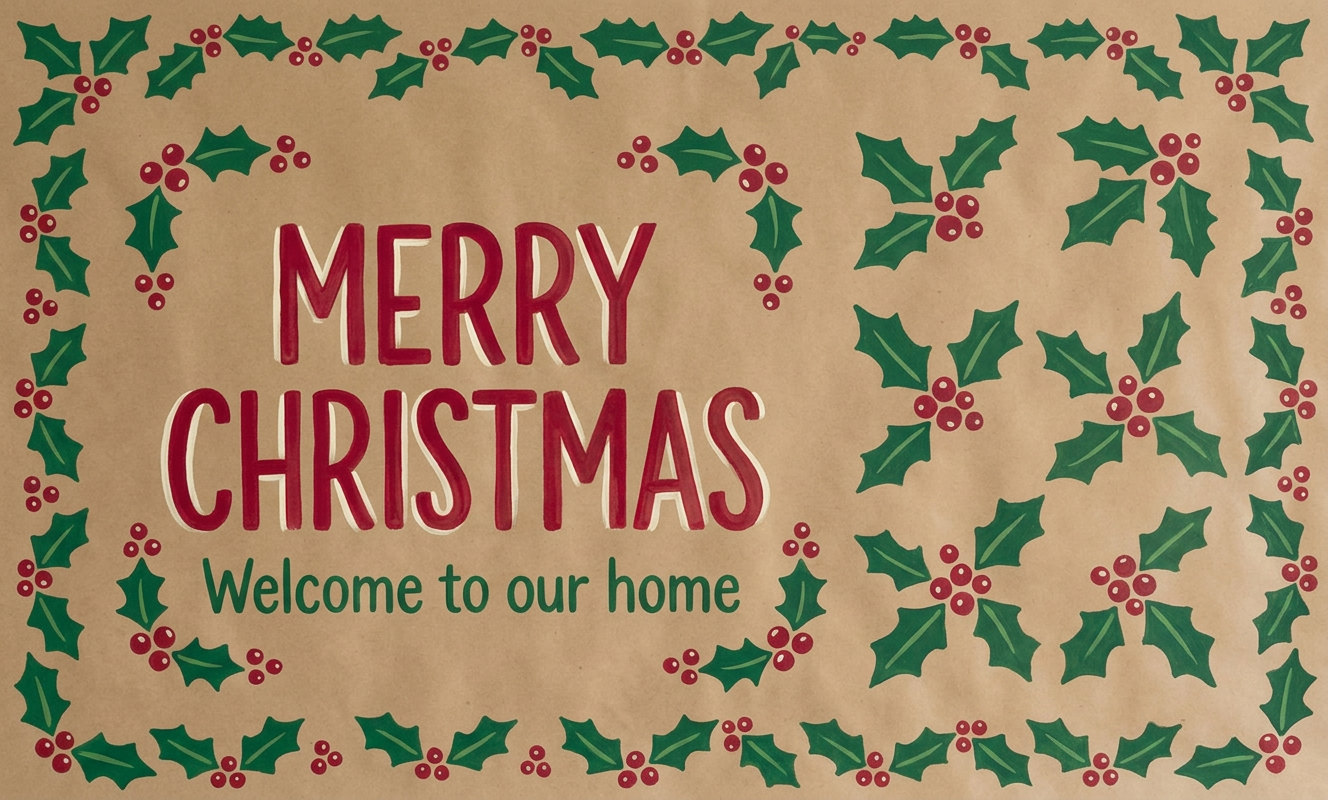
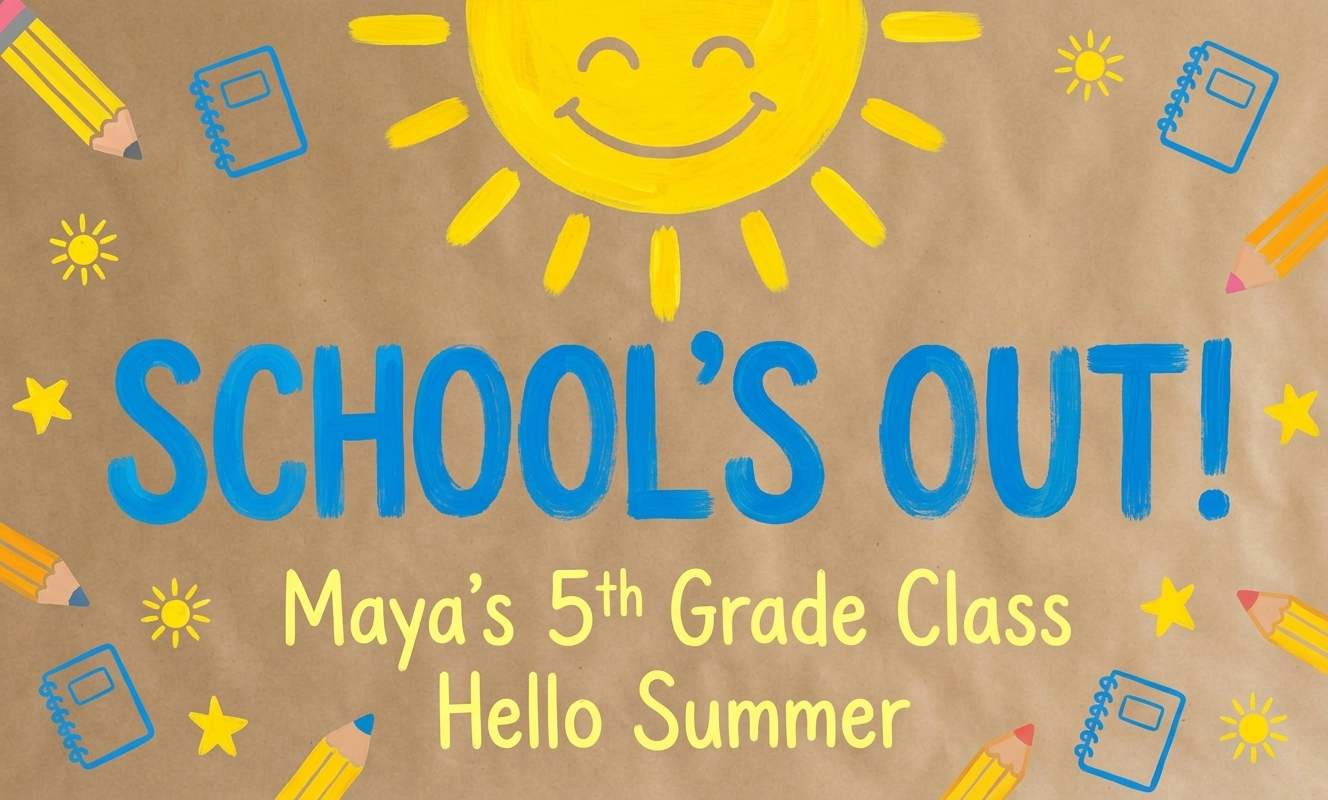
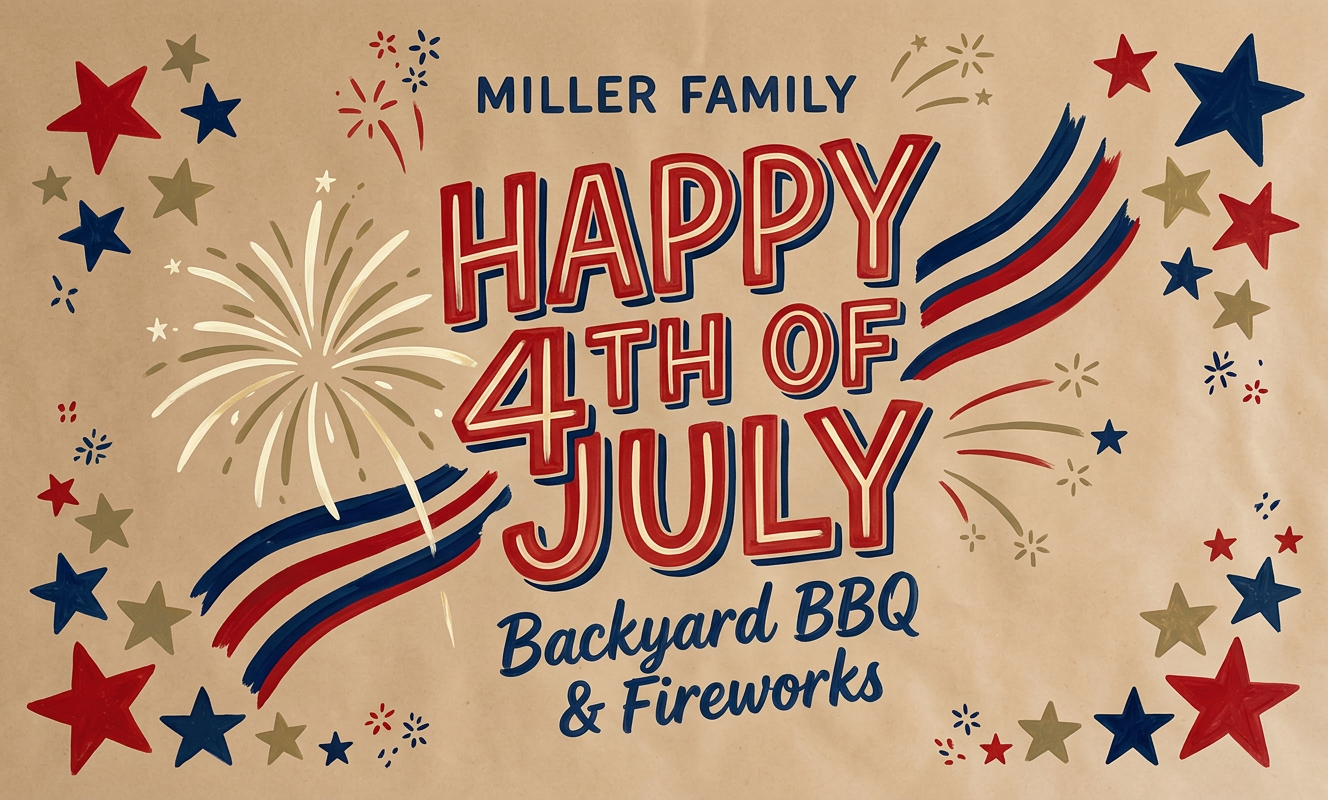
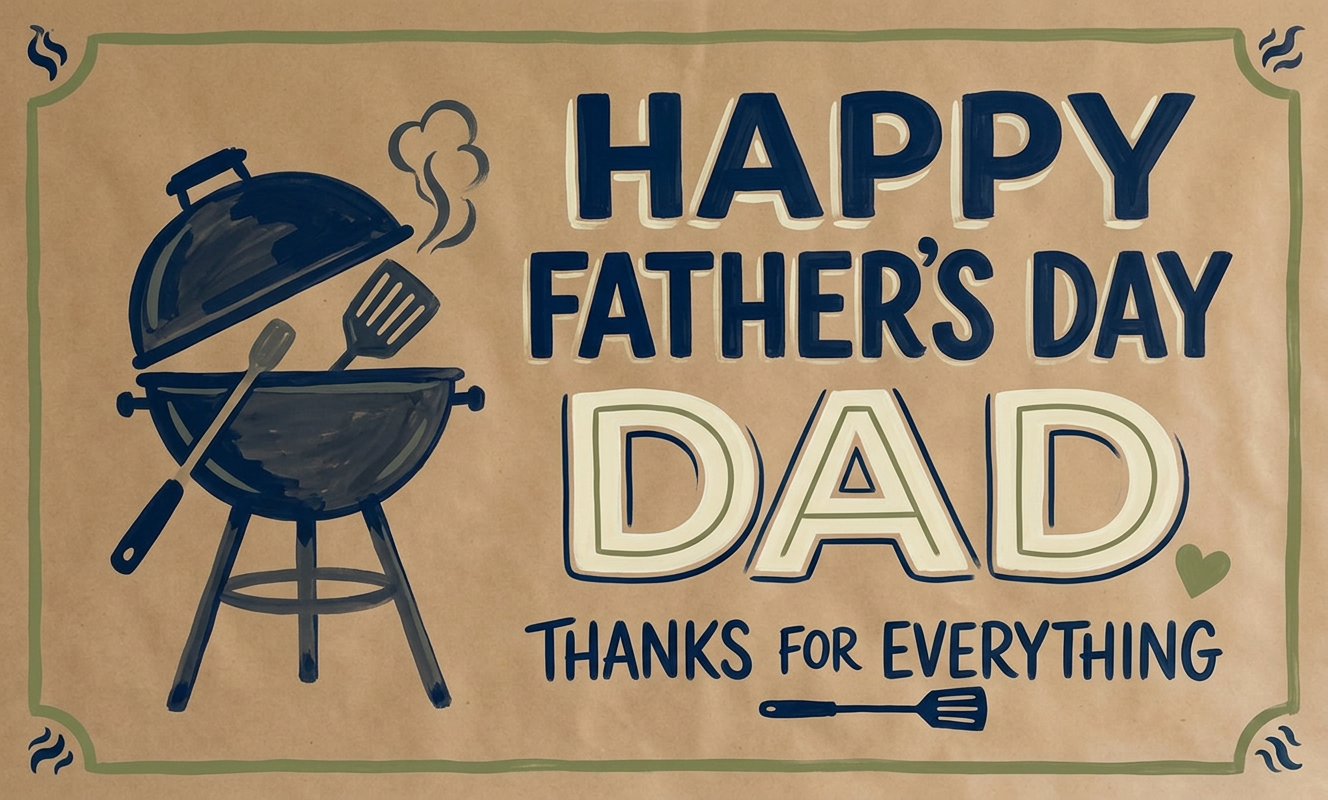
Example poster images shown in a two-row gallery that scrolls from right to left.
-
It still looks like your work.
BannerKraft hands you a design. The painted finish — every line and letter — is yours.
-
Less time on the design.
Skip the template hunt and the spacing fight. Get to a traceable plan in minutes, not an evening.
-
Fits the jobs you already get.
Birthdays, showers, anniversaries, retirements, welcome signs. Built for repeat custom poster work.
Never short on ideas
Fresh directions for every project.
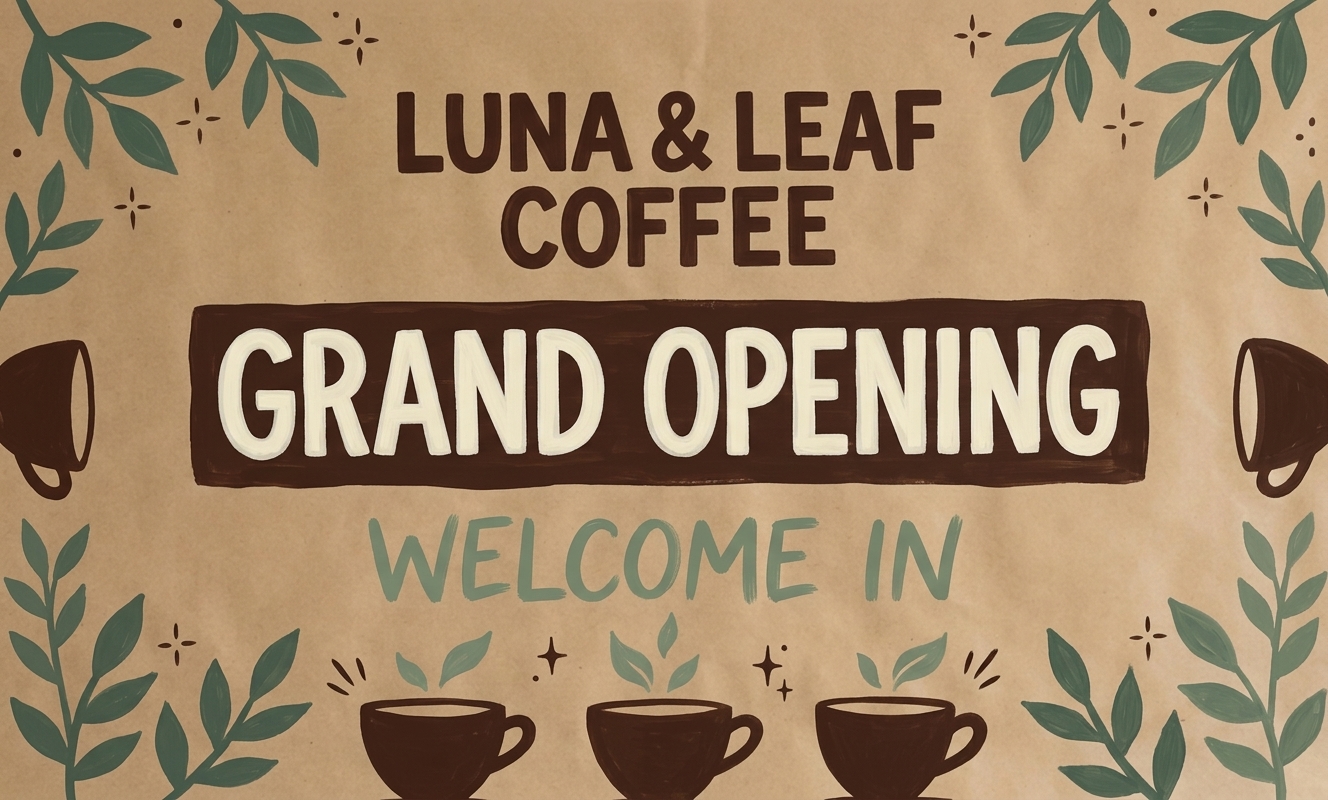
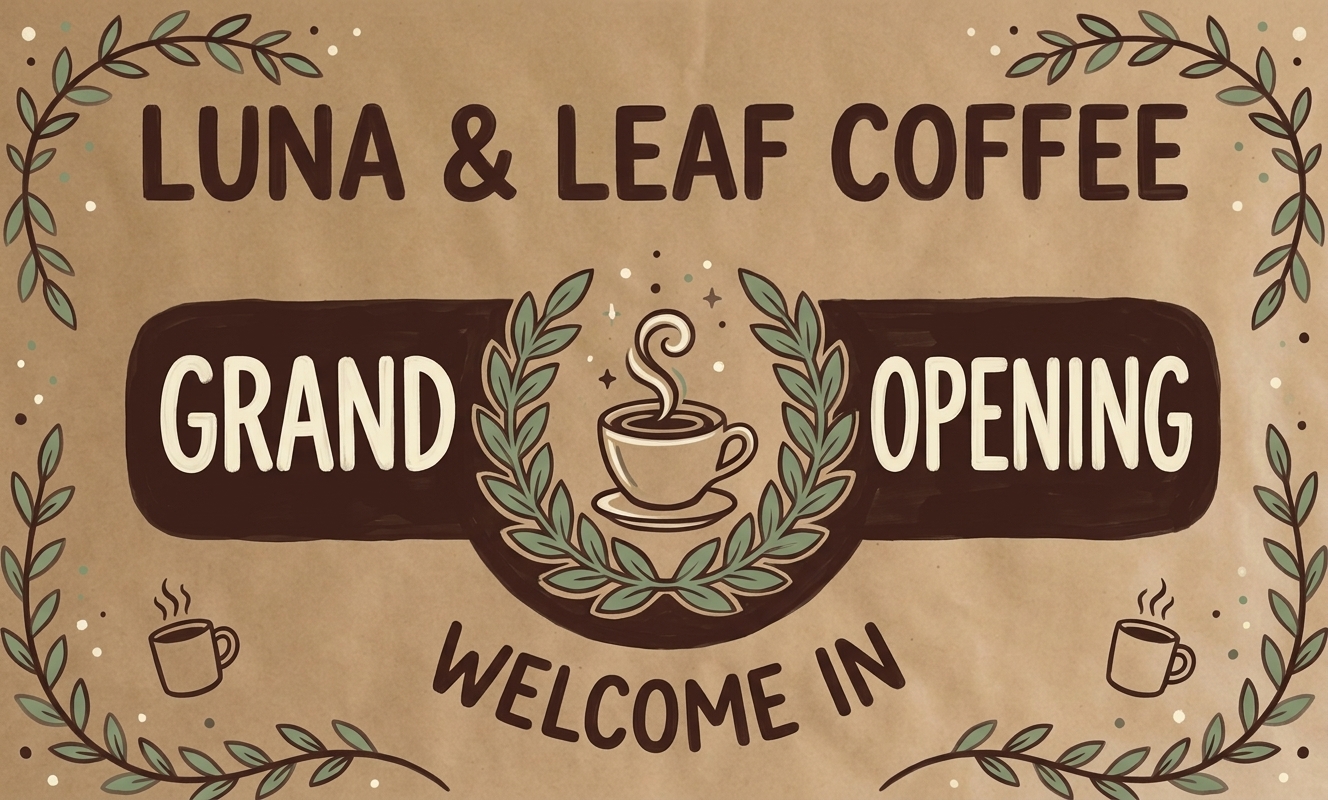
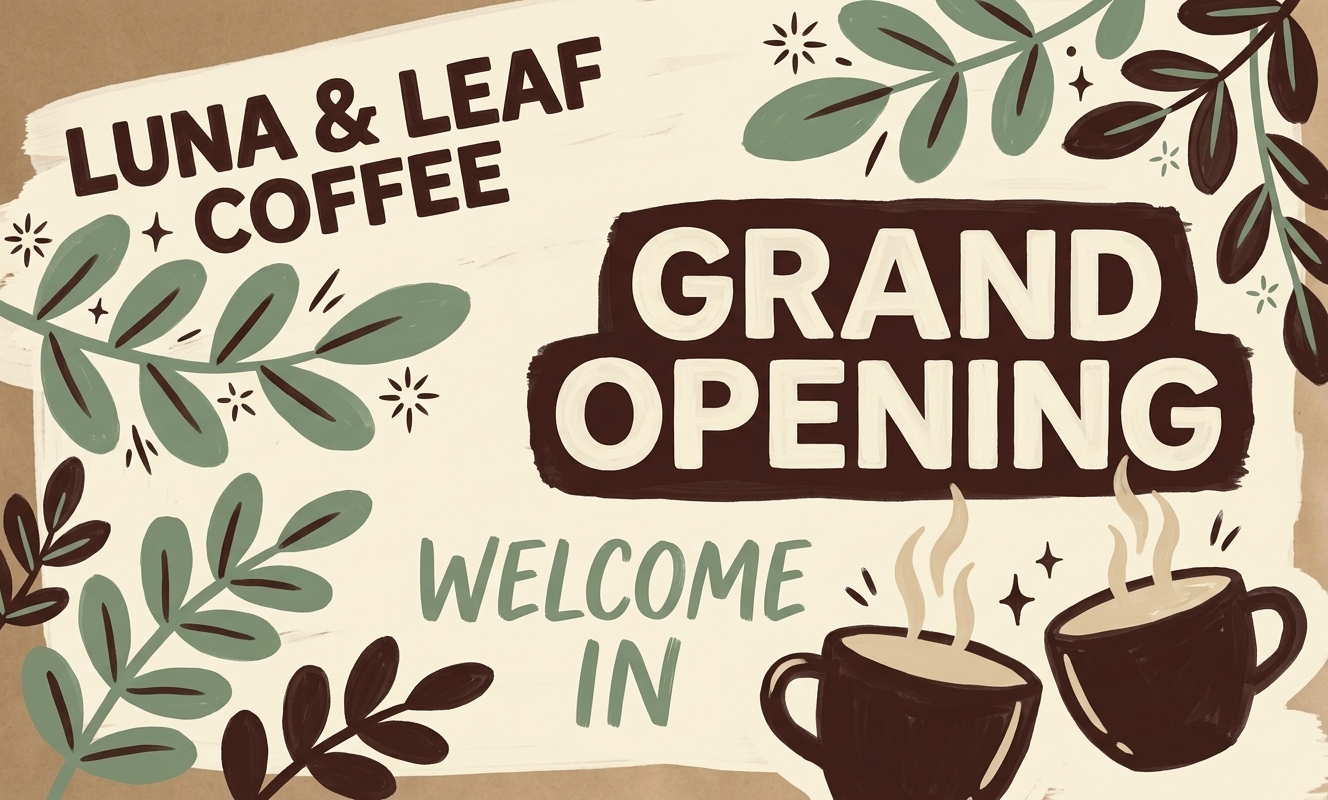
Stop scrolling Facebook groups, Instagram, and Pinterest for template inspiration. Describe the banner, compare designs side by side, then refine the winner in plain English.
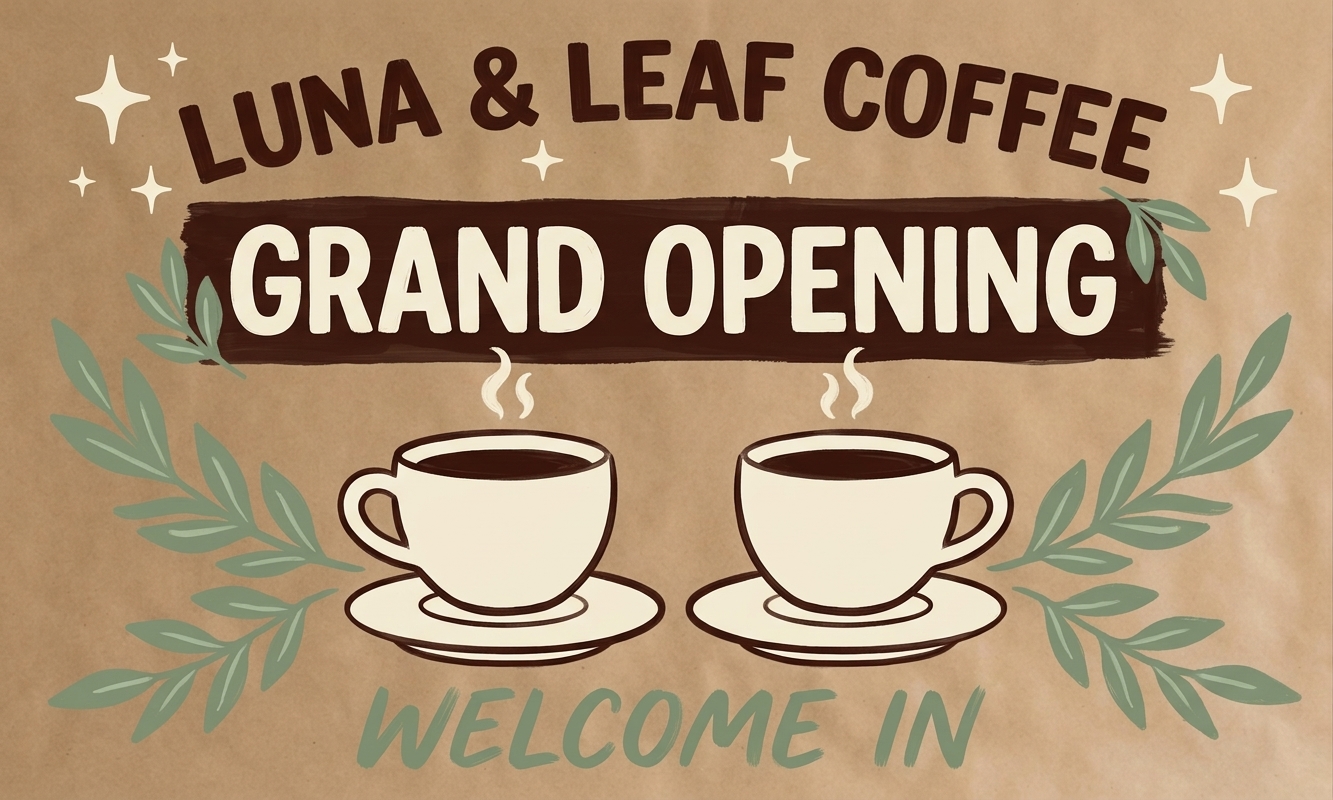
Brief from client
- Horizontal grand opening banner for Luna & Leaf Coffee
- Must read "Grand Opening" with "Welcome In" as support copy
- Kraft paper base, espresso lettering, cream highlights
- Sage leaves, coffee cups, warm neighborhood-cafe feel
Refining is a sentence: "more space around the cups, stronger leaf border, keep the lettering bold."
Projection mode
When the design is ready, project it fast.
How many times have you knocked your projector mid-trace? Projection mode handles the alignment so you can stop fighting it and start tracing.
- Fullscreen stage
- Project a clean design — no browser chrome, no toolbars.
- Move and scale
- Adjust quickly when paper or projector shifts mid-job.
- Corner warp
- Square the projection when the angle isn't perfect.
FAQ
Questions before you switch?
BannerKraft is for painters who want help with the design step — not a tool that replaces the painting.
Read the full FAQ-
Will it still look like my work?
- Yes. You still choose what to paint. BannerKraft helps you get to the traceable design faster — the painted finish stays yours.
-
Do I need a projector?
- A projector unlocks the full workflow, but you can plan wording, hierarchy, and design in BannerKraft before you ever turn one on.
-
Do I still need Canva?
- Probably less than you do today. BannerKraft is built to replace the early template and mockups for custom poster jobs.
Ready to paint sooner?
Create your next project with a better first draft.
Brief in, design out. Then back to the part you love — the hand-painted finish.