Align before paint
Get the poster lined up before you paint.
Projection mode helps you place, scale, and square the layout when the paper or projector setup is slightly off.
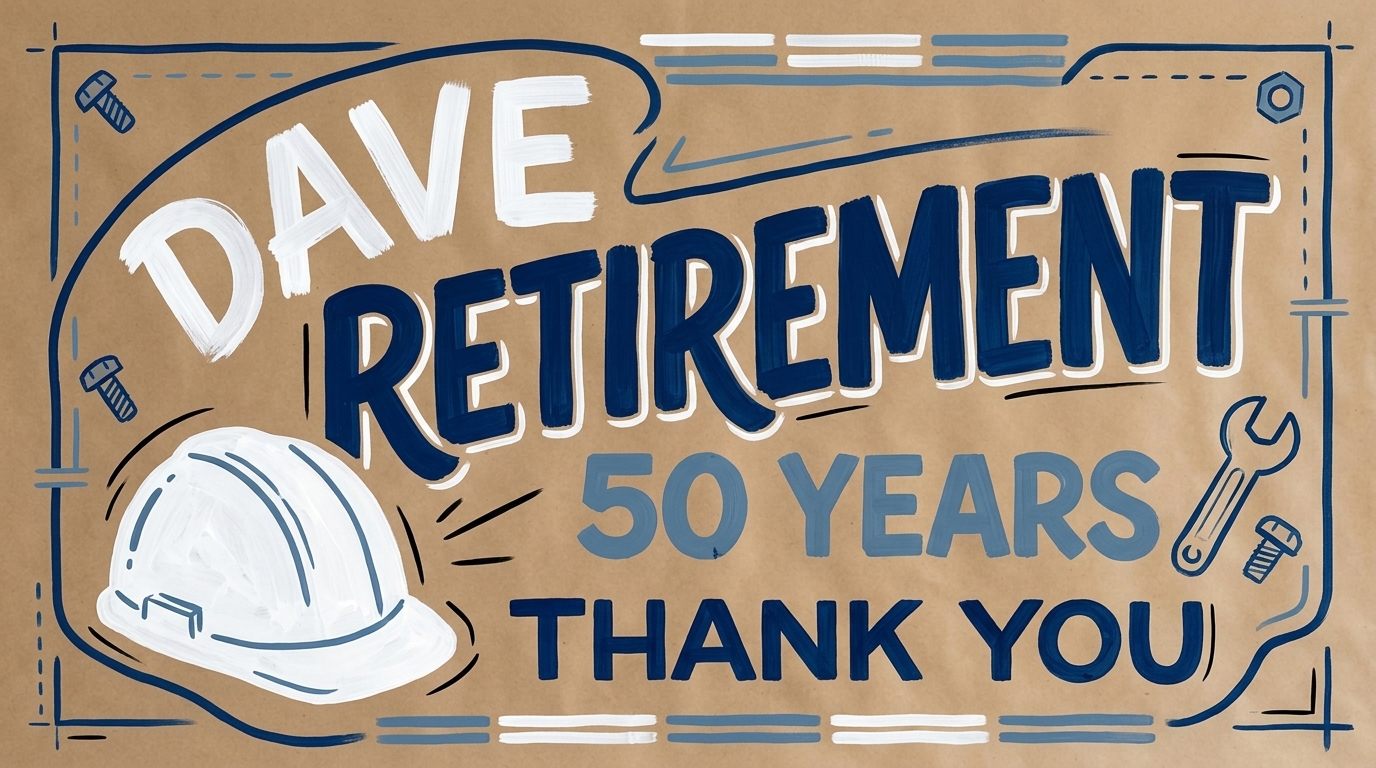
Move
Drag the poster into place before you trace.
Zoom
Wheel in or out until the size fits the paper.
Corner warp
Pull each corner when the projector angle is off.
This page shows the core interaction. Open the full demo when you want the clean fullscreen stage.